ClinicManager
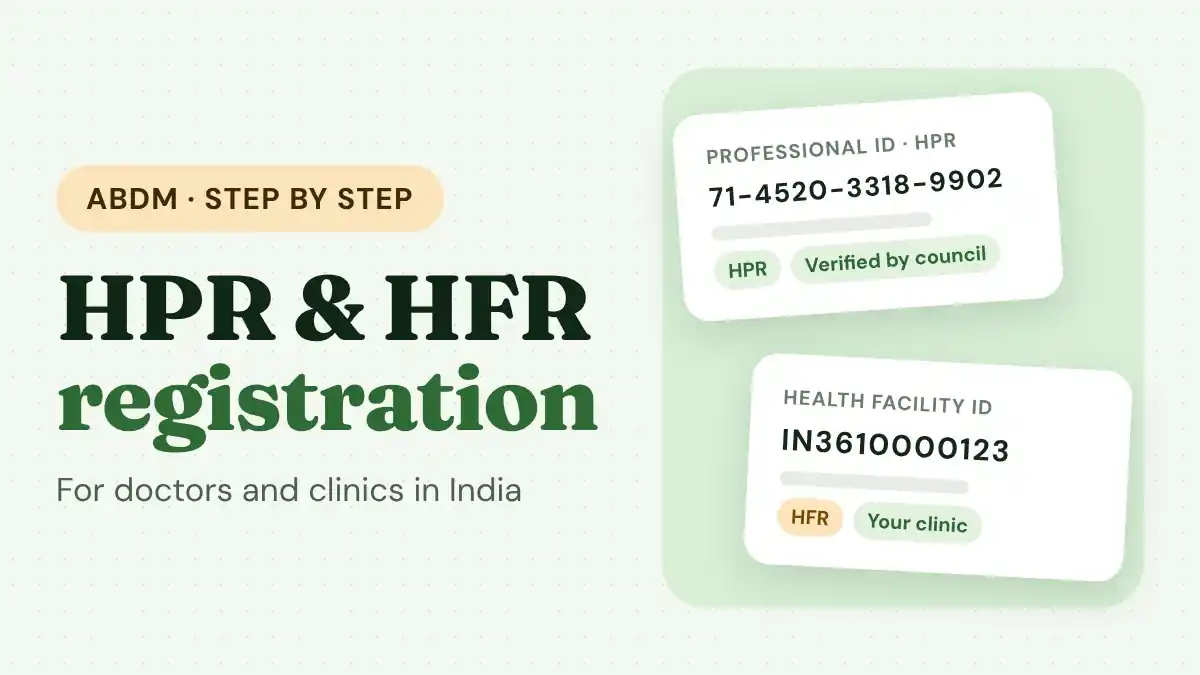
- HPR (Healthcare Professionals Registry) is ABDM’s national register of verified doctors, dentists, nurses and AYUSH practitioners. HFR (Health Facility Registry) is its register of hospitals, clinics, labs and pharmacies.
- Doctors register on HPR with Aadhaar (or a driving licence) and their council registration. The council and the state then verify it.
- A clinic registers on HFR at facility.abdm.gov.in. The person registering logs in with their Healthcare Professional ID, so HPR usually comes first.
- Once verified, a facility gets a 12-character Facility ID, such as IN0123456789.
- Some states now require HPR registration, and ABDM-linked records can earn incentives under the Digital Health Incentive Scheme.
If you run a clinic in India, you have probably been asked for your HPR ID or your clinic’s HFR ID, by a state health department, an insurer or a software vendor. Both come from the Ayushman Bharat Digital Mission (ABDM), run by the National Health Authority (NHA).
This guide explains what HPR and HFR registration are, who needs them, and how to register step by step. Portal screens change from time to time, so follow the user manual on each portal if a step looks different.
HPR, HFR and ABHA: what each one is
| HPR | HFR | ABHA | |
|---|---|---|---|
| Full name | Healthcare Professionals Registry | Health Facility Registry | Ayushman Bharat Health Account |
| Who it’s for | Doctors, dentists, nurses, AYUSH practitioners and other professionals | Hospitals, clinics, diagnostic labs, imaging centres and pharmacies | Patients |
| What you get | A verified professional profile and a Healthcare Professional ID | A 12-character Facility ID, such as IN0123456789 | A 14-digit health ID |
| Where | hpr.abdm.gov.in | facility.abdm.gov.in | abha.abdm.gov.in |
Together, these let a patient’s records move between verified doctors and verified facilities with the patient’s consent. (For the patient side, see our guide to the ABHA number and ABHA card.) According to ABDM’s dashboard, India had nearly 13.9 lakh verified healthcare professionals on HPR as of 1 November 2026.
Who needs to register?
- Doctors and other professionals who want to take part in ABDM: for example, to issue prescriptions or reports linked to a patient’s ABHA.
- Clinics and other facilities that want to be listed in the national directory and connect their software to ABDM.
- Government doctors and nurses in several states, where it is now required. Haryana, for example, has made an HPR ID mandatory when professionals apply for or renew their council registration, and Jammu & Kashmir has made it mandatory for doctors and nurses in both government and private hospitals.
Even where it isn’t required, registering early saves time later, because verification by the council and the state can take a while.
HPR registration: step by step
Keep these ready: your Aadhaar-linked mobile number (or driving licence), your medical or dental council registration number, your qualification details and your place of work.
- Go to the HPR portal. Visit hpr.abdm.gov.in and choose to register as a new user.
- Create your Healthcare Professional ID. Verify your identity with Aadhaar OTP or another accepted KYC method, then choose your professional category, such as doctor, dentist or nurse.
- Fill in your details. Personal details, qualifications, council registration and current place of work. For many councils you can search and pull in your existing registration.
- Submit for verification. Your council verifies your registration, and the state verifies your work details.
- Download your ID. Once verified, your profile is live and you can download your Healthcare Professional ID card.
HFR registration: step by step
The person registering the clinic is the facility manager. They log in to the facility portal with their Healthcare Professional ID, so they need one first.
- Log in to the HFR portal. Visit facility.abdm.gov.in and log in with your Healthcare Professional ID and password, or with mobile or Aadhaar OTP.
- Choose the facility manager role. First-time users see two roles: facility manager and verifier. Choose facility manager.
- Search before you add. Many facilities already exist in the registry. Search for your clinic first, and add a new one only if it isn’t there.
- Fill in the facility form. Ownership, type of facility, address, services, timings, contact details and the documents the form asks for, such as your registration or licence.
- Submit for verification. The state or district verifier reviews the application and may come back with questions.
- Get your Facility ID. Once approved, your clinic appears in the public directory with a 12-character Facility ID.
If you run several branches, each location is a separate facility with its own Facility ID.
What registration gets your clinic
- A verified identity: patients and other providers can confirm your clinic and doctors are real and registered.
- Connection to ABDM: with ABDM-enabled software, your clinic can link prescriptions and reports to a patient’s ABHA, with their consent.
- Incentives: the government’s Digital Health Incentive Scheme pays eligible facilities for health records linked to ABDM.
Where clinic software fits
HPR and HFR registration are done on the government portals, not in your clinic software. What your software does is store the IDs and, if it is ABDM-certified, use them to link records.
In ClinicManagerPro, each patient’s ABHA number can be recorded on their patient record today. Linking records through ABDM can be set up for your clinic once the registrations and certification are in place. See our guide to EMR and EHR for how this fits together.
Common questions
What is HPR registration?
HPR registration is enrolment in the Healthcare Professionals Registry under the Ayushman Bharat Digital Mission. Doctors, dentists, nurses and AYUSH practitioners register at hpr.abdm.gov.in, and their council and state verify the details.
What documents do I need for HPR registration?
Your Aadhaar-linked mobile number or a driving licence for identity, your council registration number, your qualification details and your place of work.
What is HFR registration?
HFR registration lists a hospital, clinic, lab or pharmacy in the Health Facility Registry at facility.abdm.gov.in. Once verified, the facility gets a 12-character Facility ID such as IN0123456789.
Do I need HPR before HFR?
Usually yes. The facility manager logs in to the HFR portal with their Healthcare Professional ID, so they create one first.
Is HPR registration mandatory?
It depends on the state and the role. Some states, including Haryana and Jammu & Kashmir, have made it mandatory for certain professionals. Check your state’s latest orders.
- Healthcare Professionals Registry (Press Information Bureau, MoHFW)
- HPR: overview and pathways for registration (ABDM)
- HFR: overview and pathways for registration (ABDM)
- Health Facility Registry: SOP for verifiers (ABDM)
- Haryana makes HPR ID mandatory (Digital Health News)
- Ayushman Bharat Digital Mission: India’s digital health backbone (PIB, July 2026)